Zentrack OBD
Written By Support Team
ZentrackOBD
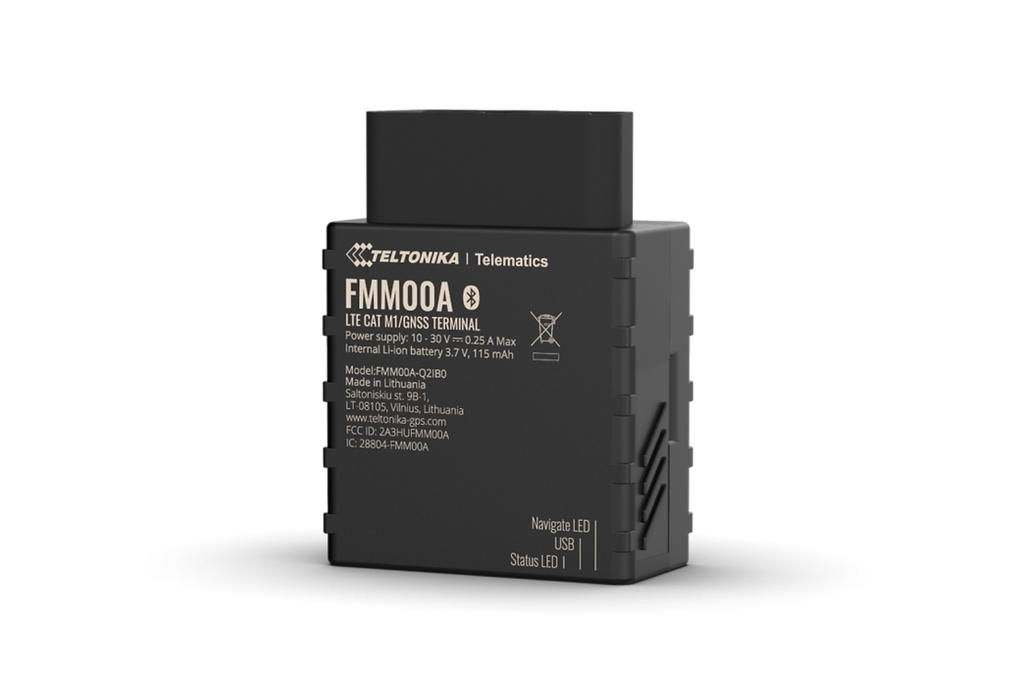
Install Accessories:
Before installing the tracker, it’s important to understand which cables are compatible with the ZenduTracker Z1. Please watch the video below for a clear explanation of the different types of cables that can be used
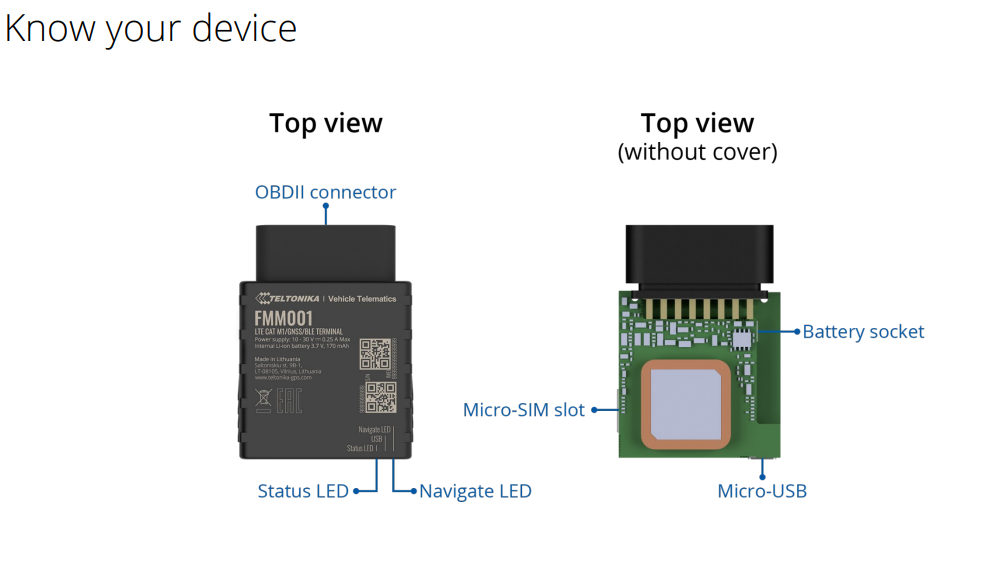
Installation instructions
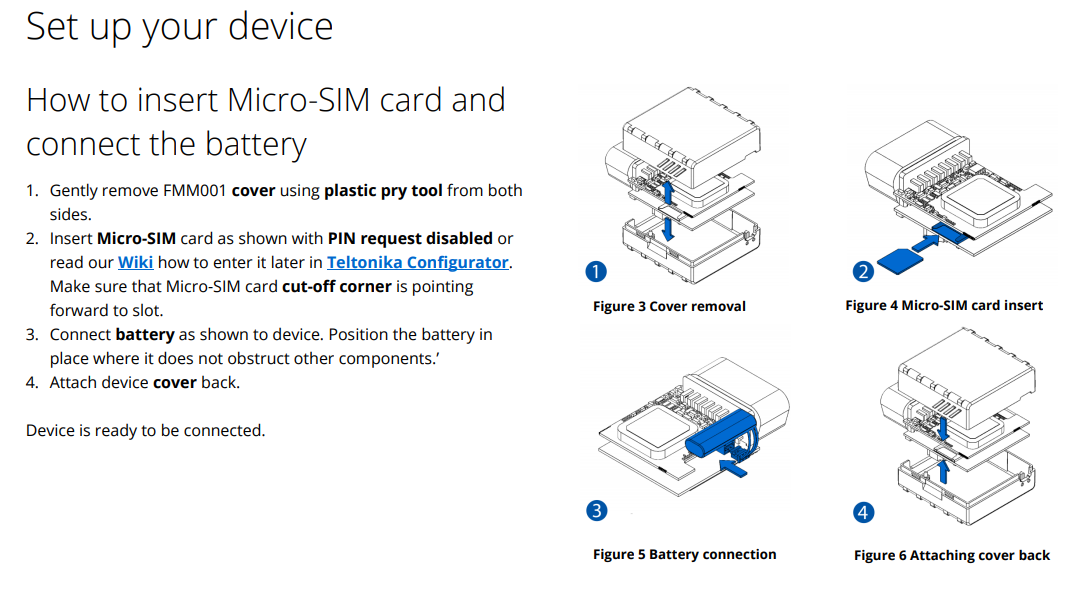
Gently remove Z1 Tracker’s cover using plastic pry tool from both sides.
Insert Micro-SIM card as shown with PIN request disabled
Make sure that Micro-SIM card cut-off corner is pointing forward to slot.
Connect battery as shown to device. Position the battery in place where it does not obstruct other components.
Attach device cover back.
Device is ready to be connected.
Caution: Micro-SIM card insertion/removal must be performed when the device is powered off – external voltage and battery are disconnected. Otherwise the Micro-SIM card might be damaged or the device will not detect it.
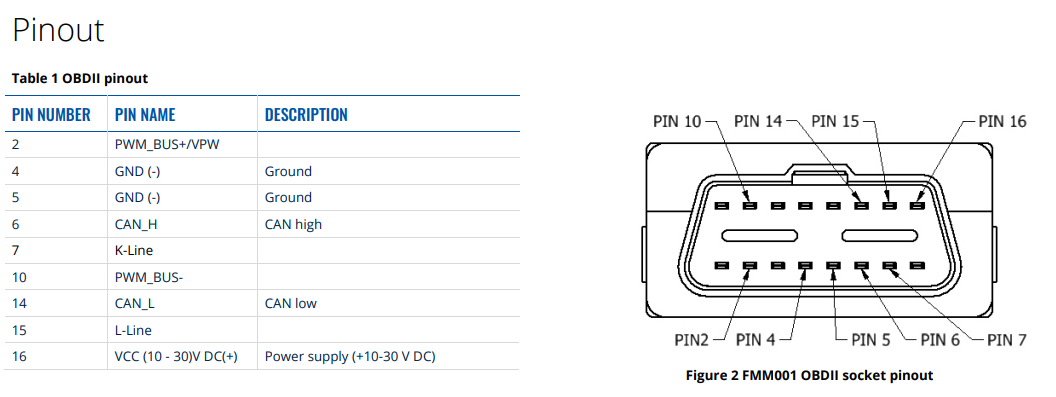
Pinouts Guide:
Still need help? Ask the team