Fetch and Edit Asset Tracker Configuration on ZenduONE
Written By Kamakshi Mahajan
Fetch and Edit Asset Tracker Configuration
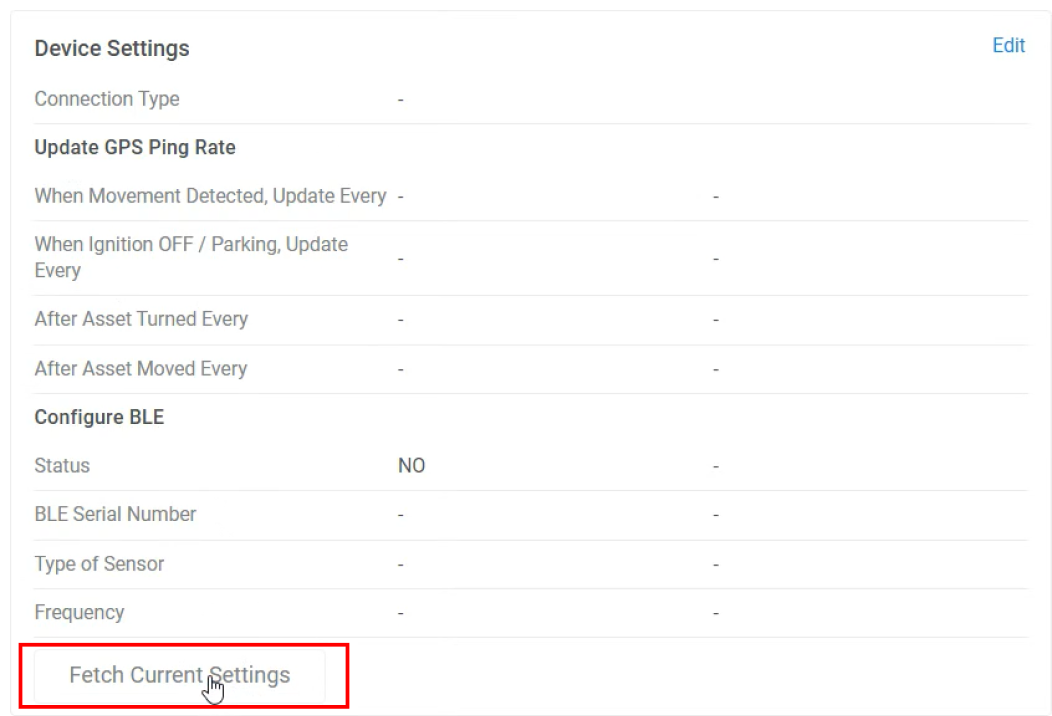
To determine the current configuration of your asset tracker, go to Asset > [Asset Name] > Settings > 'Fetch Current Settings' under Device Settings. The Device settings should update to reflect the current configuration after retrieval.
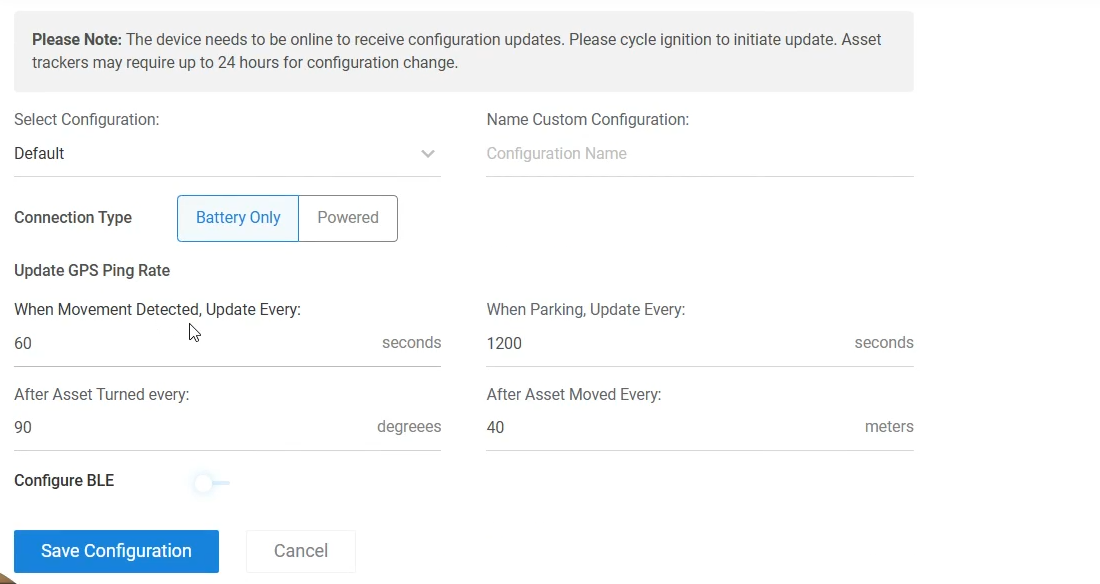
To change the configuration, select Edit in Device Settings and change the configuration under TopFly Settings. Press Save Configuration when you would like to send the new configuration.
Still need help? Ask the team