Globalstar Programming
Written By Kamakshi Mahajan
Download and install the Smartone Configuration tool and USB Driver installer.
Config Tool: SmartOne Configuration Tool
USB Driver: SmartOne USB Driver
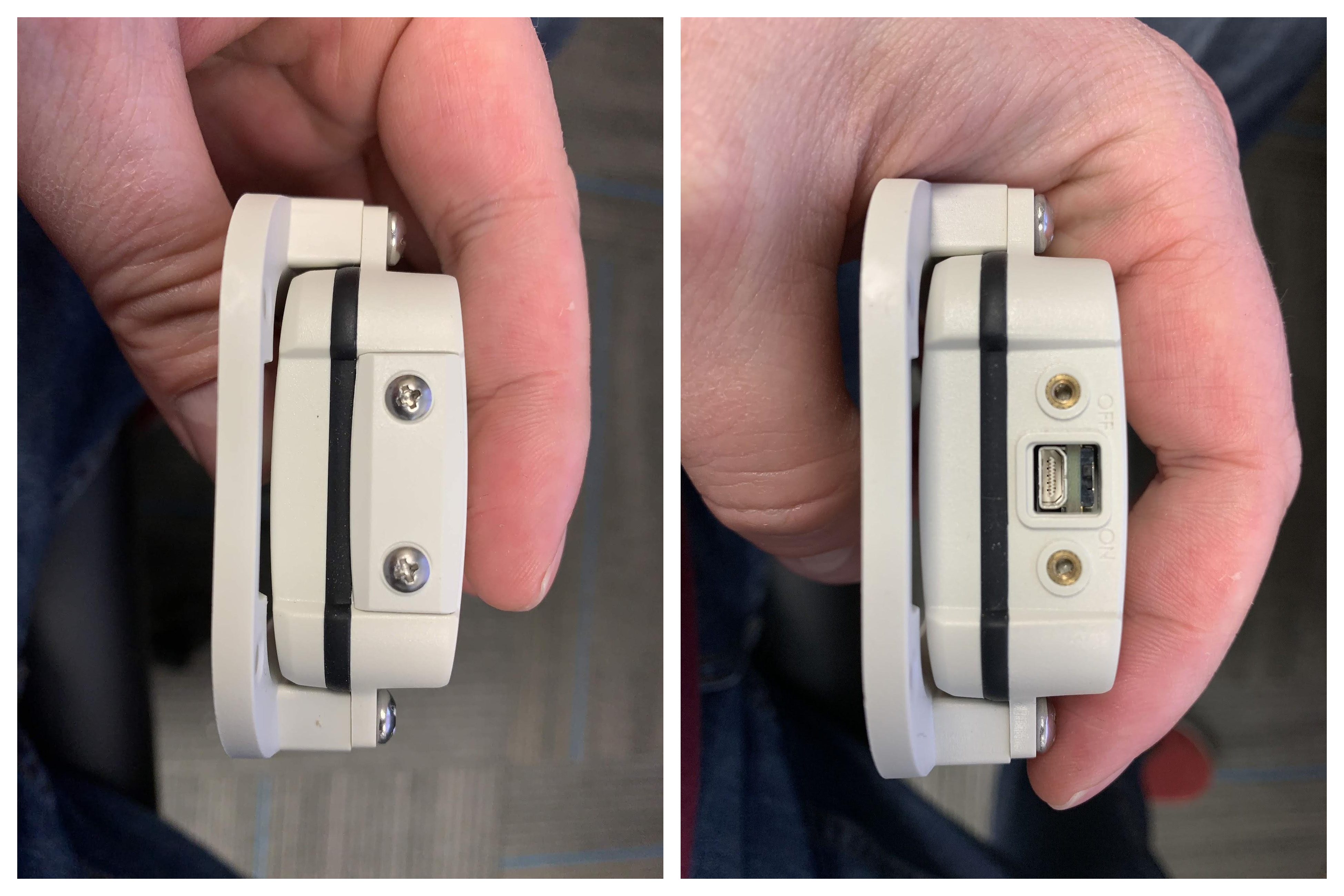
Unscrew the cap covering the connector on the device, this uses a Phillips screwdriver.
Before: After:
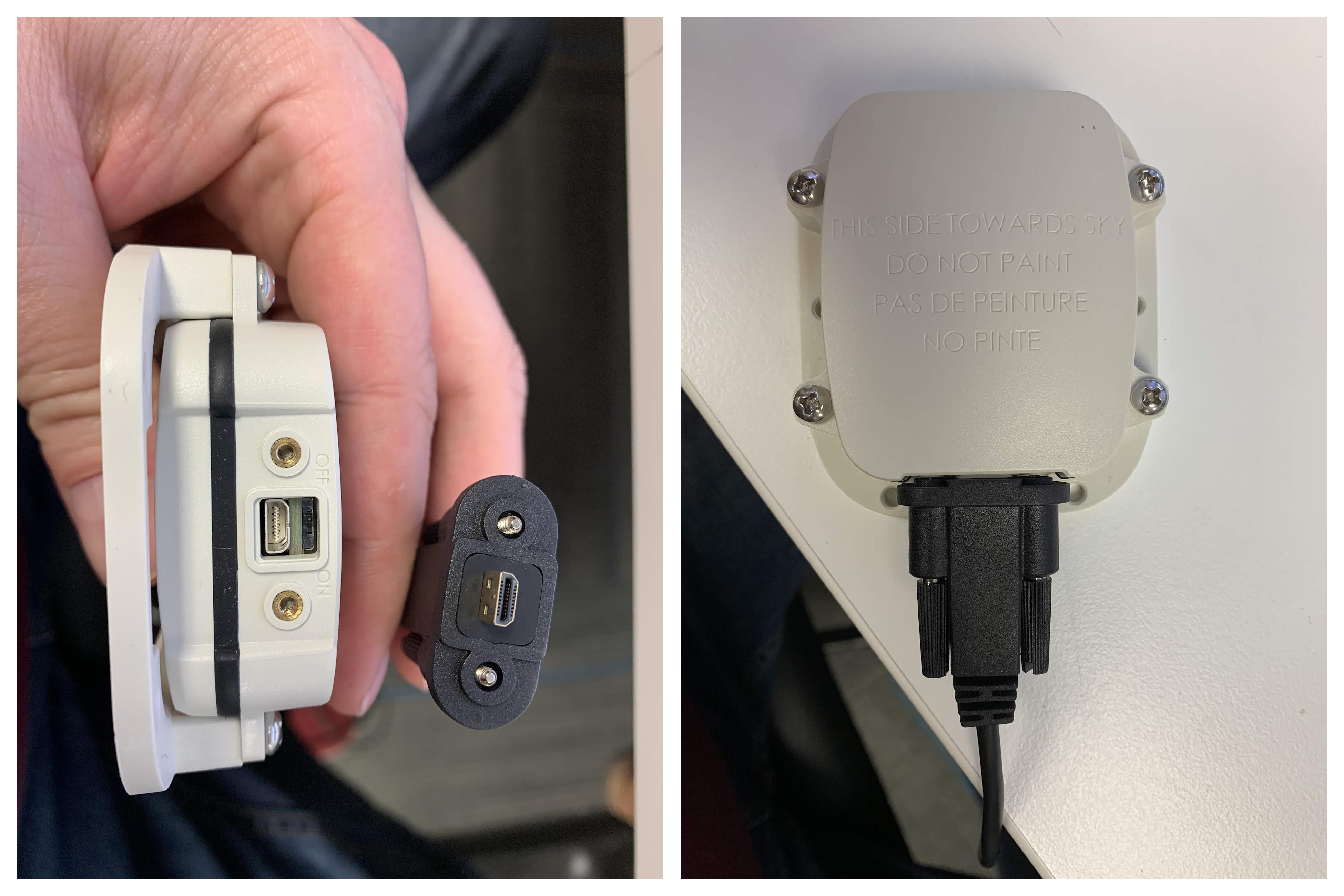
Plug the USB cable into the device.
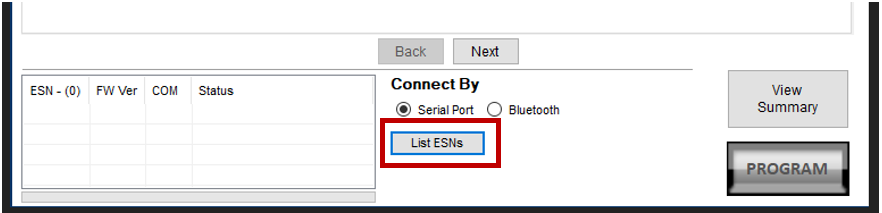
With the device connected to the USB cable, open the program and click List ESNs.
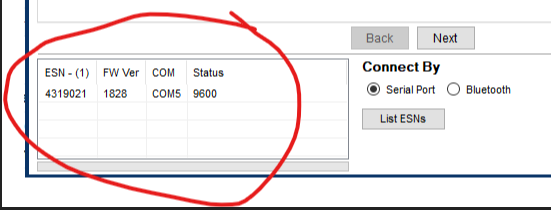
The serial number (ESN) of the device should appear in the list at the bottom left.
There are some default configurations available to be used with the SmartOne Configuration tool.
Download the appropriate configuration file and in the config tool go to File -> Open Configuration From File to select the downloaded configuration file.
Once loaded in the config tool verify the setup of intervals on the Location Messages and Motion Settings(this will only appear if With Motion is selected in Modes of Operation) screen
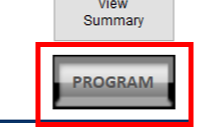
After verifying all settings are correct press the Program button in the bottom right corner.
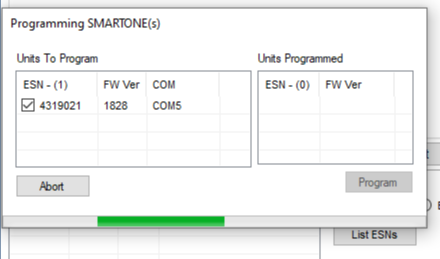
A progress indicator will appear and it can take 1-2 minutes for programming to complete.
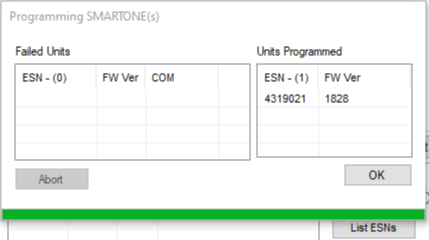
Programming of the device is now complete and you can safely disconnect the device from the USB cable.
Was this helpful?
Still need help? Ask the team