Route plans and route sheets
Route sheets are the files of planned stops for each route, exported from your routing system.
Written By Vishal Singh
Route sheets are the files of planned stops for each route, exported from your routing system.
Import a route sheet
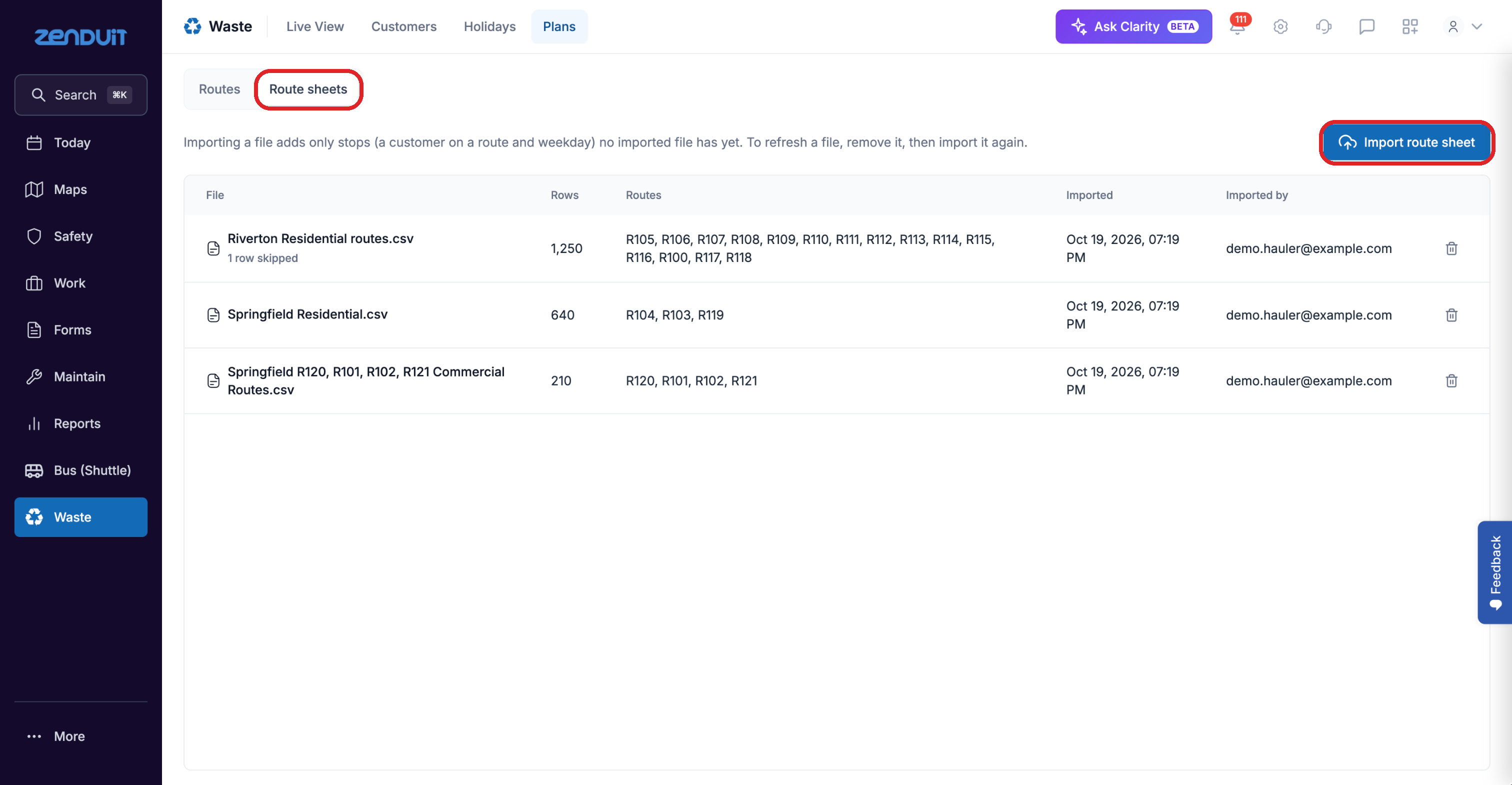
Click Waste > Plans, then Route sheets.
Click Import route sheet and choose your CSV file.
Importing a file replaces the rows of the routes it lists. Other routes keep theirs.
Route sheets.
The list shows each file, how many rows it has, which routes it covers, and when it was imported. Skipped rows are noted under the file name.
View the plan for each route
On Plans > Routes, filter by route, day, truck, type or plan status. Each route sheet row shows the customer, whether it's in the plan, the address, the day, route, sequence, quantity, truck and coordinates.
Was this helpful?
Still need help? Ask the team