Adding Meter Readings on Mobile
Written By Kamakshi Mahajan
Overview
This procedure demonstrates how to add a meter reading to an asset. Meter readings can be added to the Locations/Facilities, Equipment, Tools, and Work Order modules. The steps to follow are identical for all four modules.
Steps:
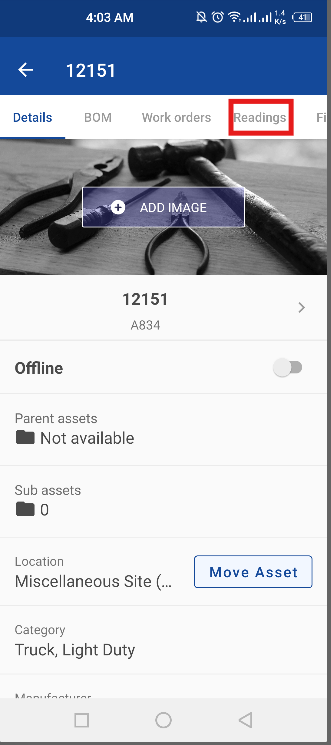
1. Open a Locations/Facilities, Equipment, Tools, or Work Order record, press Readings, and Add Readings
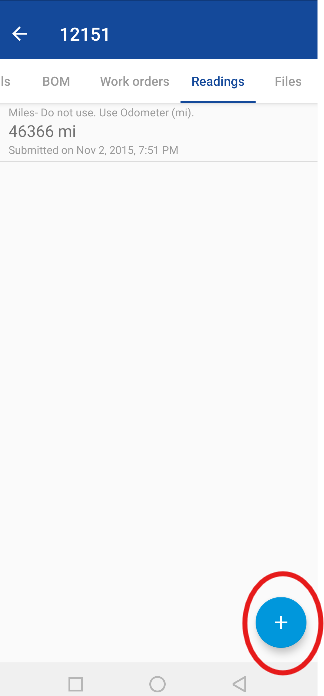
Now click plus sign to add readings
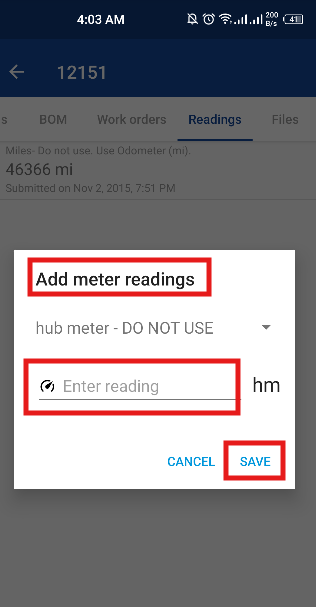
Enter a meter reading Value, select the Meter Type from the dropdown menu, and click the blue Save button
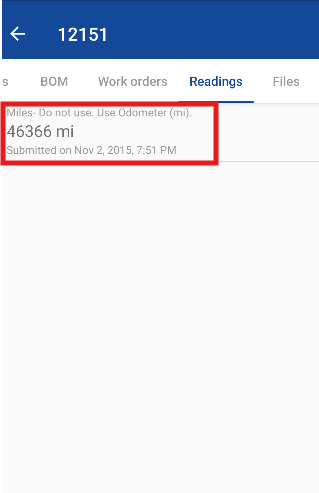
The new reading will now be displayed in the Readings tab along with the time and date that it was added.