What is ZenShuttle?
ZenShuttle is the ZenduONE module for running scheduled shuttle services on fixed routes.
Written By Vishal Singh
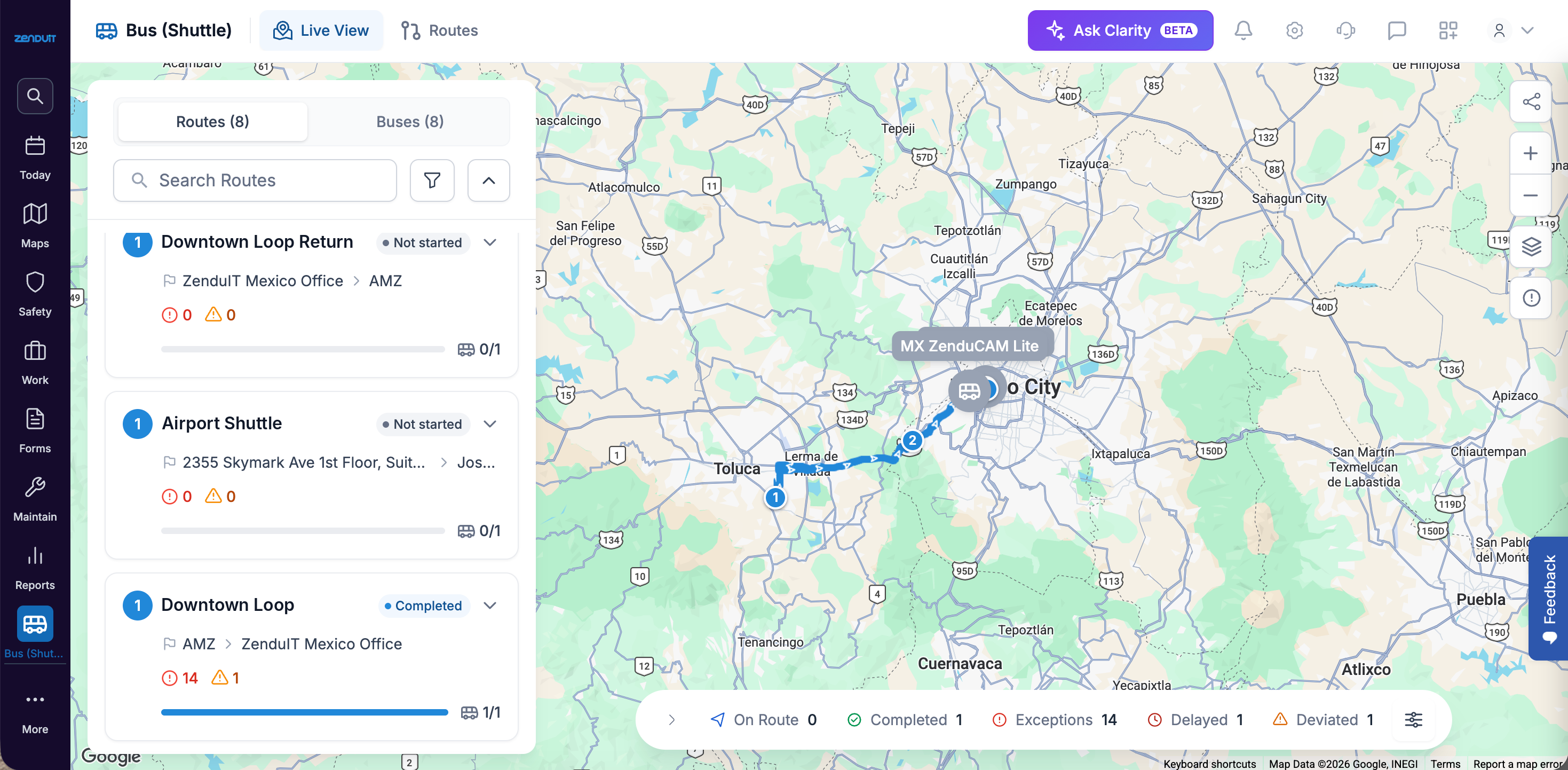
ZenShuttle is the ZenduONE module for running scheduled shuttle services on fixed routes: you plan routes and schedules, watch every vehicle live, and give passengers a live ETA without an app or login.
Why teams use ZenShuttle
Tracking a vehicle tells you where it is. ZenShuttle tells you how the whole service is running, from the route plan to the passenger waiting at the stop.
On Enterprise, passenger counting adds how many people rode and how full each vehicle was. Some features are rolling out. Ask your representative about availability.
Who it's for
ZenShuttle fits organizations that move people on fixed or recurring routes, where riders wait at stops and need to know when the bus will arrive. Common examples:
Corporate and employee transportation, including shift-based routes for large workforces
Universities, campuses and hospital systems with loops between buildings, parking and sites
Airports, off-airport parking, hotels and resorts with terminal, property and venue runs
Contract transportation operators that run shuttles for several clients
Government and public transportation
Large facilities, plants and logistics sites that bring workers in for each shift
Already on ZenduONE? ZenShuttle uses the vehicles, drivers and GPS data already in your account, with the same login.
For school bus routes, see the ZenBus articles.
Who uses it
Transportation administrators and fleet managers create routes, schedules and vehicle assignments, and review route performance.
Dispatchers monitor active vehicles in Live View and share live tracking with passengers.
Passengers follow their shuttle on a public ETA page, a QR code at the stop, or a display monitor.
Drivers see their assigned routes, stops and navigation in the ZenduONE Driver app.
Managers in HR, Facilities or Operations use route history and on-time performance to show the service is reliable.
What you can do
Plans
Standard covers everything above: how the service ran.
Enterprise adds passenger counting: who was on it. Passenger counting is rolling out; ask your representative about availability.
What you need
Every vehicle needs a supported tracking device installed and showing in ZenduONE:
Geotab GO9
Teltonika
Geometris
ZenCAM
Enterprise also needs passenger counting hardware. Ask your representative about availability.
Was this helpful?
Still need help? Ask the team