Edit a route
Edit a route when stops, paths or timing change; past trips keep their history.
Written By Vishal Singh
Edit a route when stops, paths or timing change; past trips keep their history, and the updated route is used for future scheduled trips.
What you can change
Route name
Starting point and ending point
Stops and stop order
Stop duration
Waypoints
Route path
Steps
Go to Routes and open the route in the Route Library.
Select Edit Route.
Make your changes. The map previews each change immediately.
Click Save Changes to confirm.
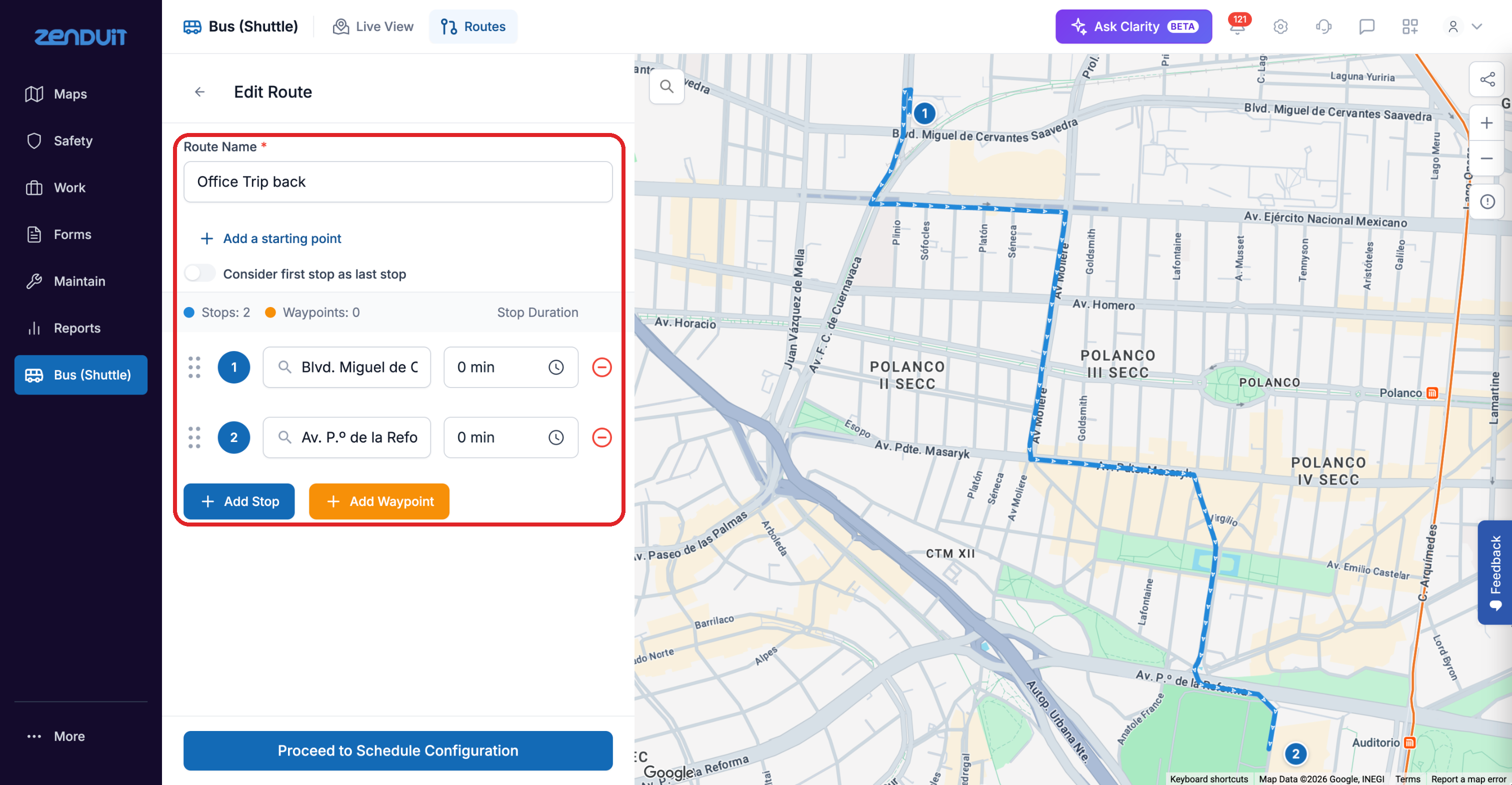
Edit Route. Changes show on the map before you save.
Good to know
Saving does not change historical trip records.
Updated routes are immediately available for future scheduled trips.
A trip that is already running when you save keeps the old route. Your changes apply from the next departure.
Was this helpful?
Still need help? Ask the team