Getting started with ZenduONE Mobile app
Written By Kamakshi Mahajan
Procedure:
Download the ZenduONE Mobile app using the below URL:
Google Play Store: ZenduONE App - Play Store
App Store: ZenduONE App - iOS
NOTE: Only admins will have access to Modify/Add the users
There are 3 ways to login into the ZenduONE app:
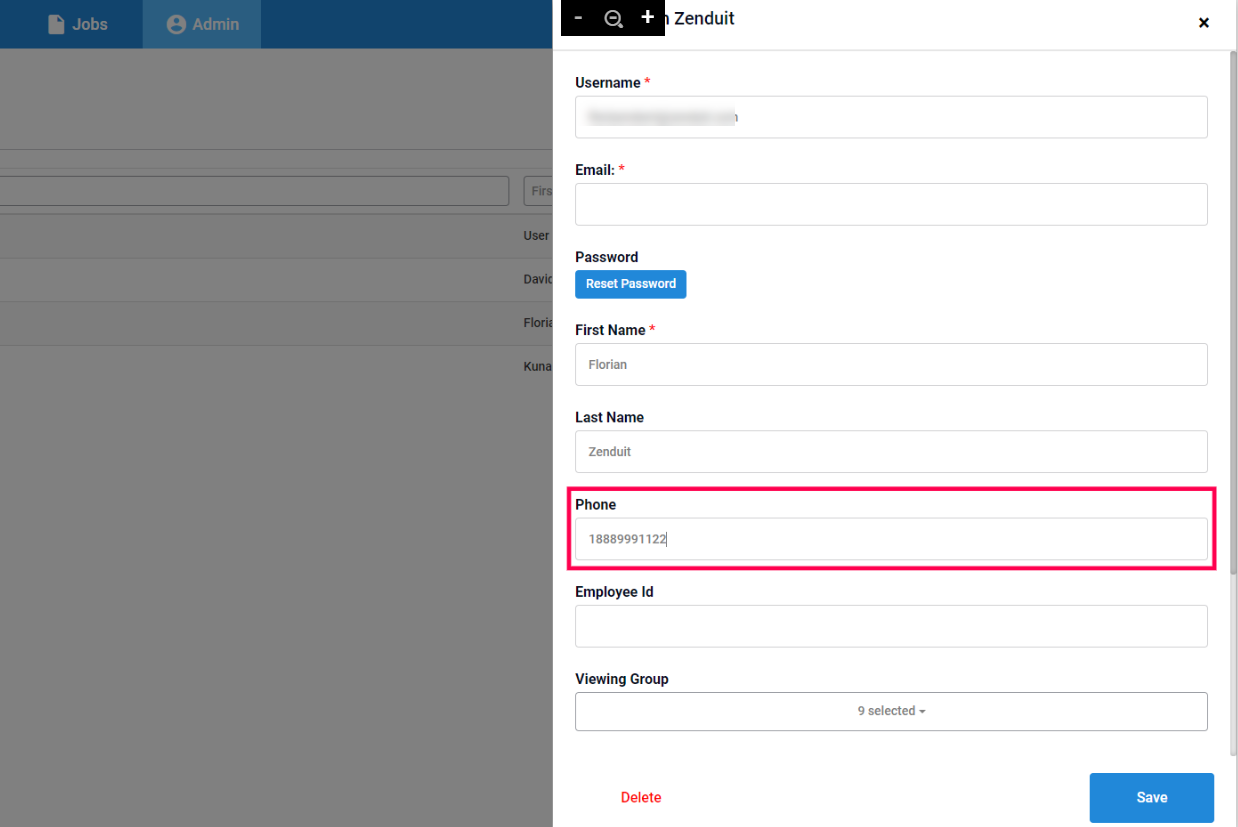
Login using Phone number:
Link your phone number to your ZenCAM User profile (Modify User Profile):
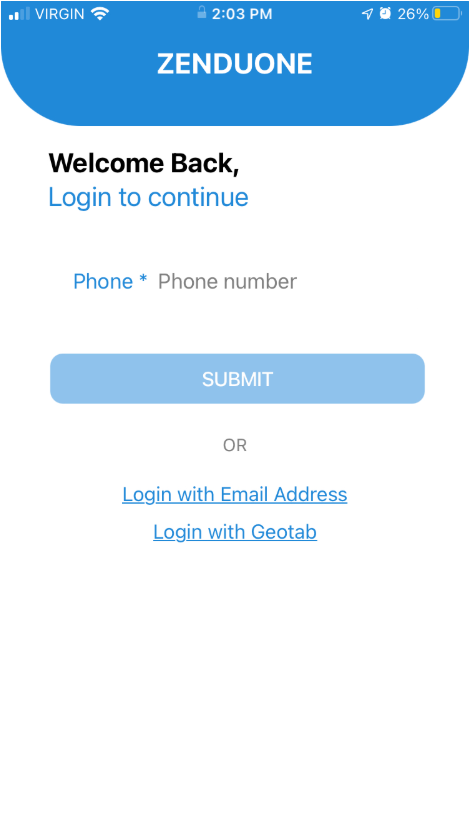
Login Using Email Address:
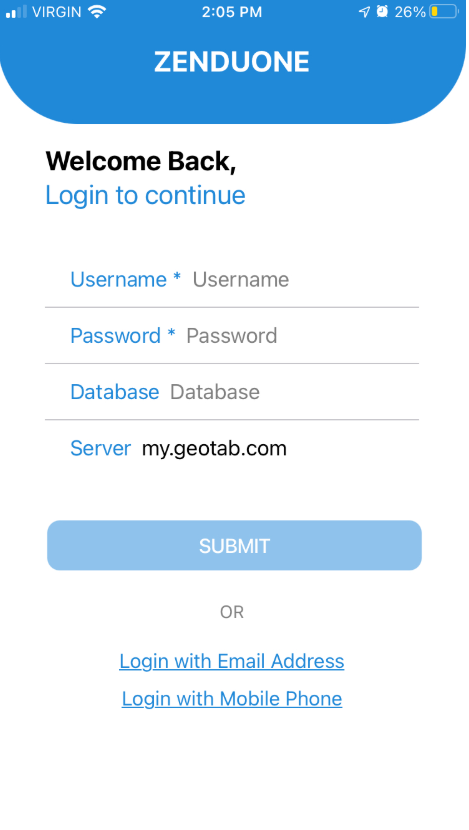
Login using Geotab
NOTE: Use the credentials for the ZenduONE login
Add User to Database: First, add the user to the database for ZenCAM.
Access Reset Password Page: Go to the website https://one.zenduit.com/eula.
Enter Email: Enter your email address.
Check Email for Link: You will receive a reset password link in your registered email inbox.
Reset Password: Use the link to reset your password.
Login: Finally, log in to ZenduONE using the same email and new password.
If you don't have the ZenduONE credentials please reach out to your admin or your reseller channel partner to get the access.
Login using Geotab
Use the Geotab Credentials to login to your ZenduONE mobile app,
NOTE: Please ensure that the correct database name is added
If you have any further questions please reach out to support@zenduit.com
Was this helpful?
Still need help? Ask the team