Getting an error 'Geotab Authentication Failed' while accessing Zenduit apps from Mygeotab
Written By Kamakshi Mahajan
This article explains how to fix error 'Geotab authentication failed while accessing Zenduit apps from Mygeotab
Issue: User gets an error while trying to access Zenduit apps like ZenduMaps, ZenduTimecard etc.
These issues are related to a connection error between the Zenduit Addins and the Geotab database.
The reason behind this error is because of incorrect login credentials, modified password or a locked service account.
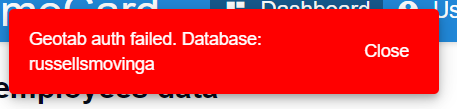
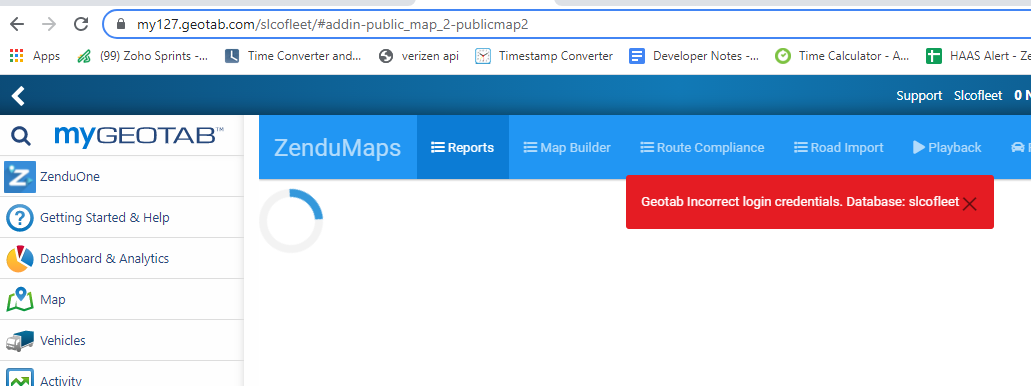
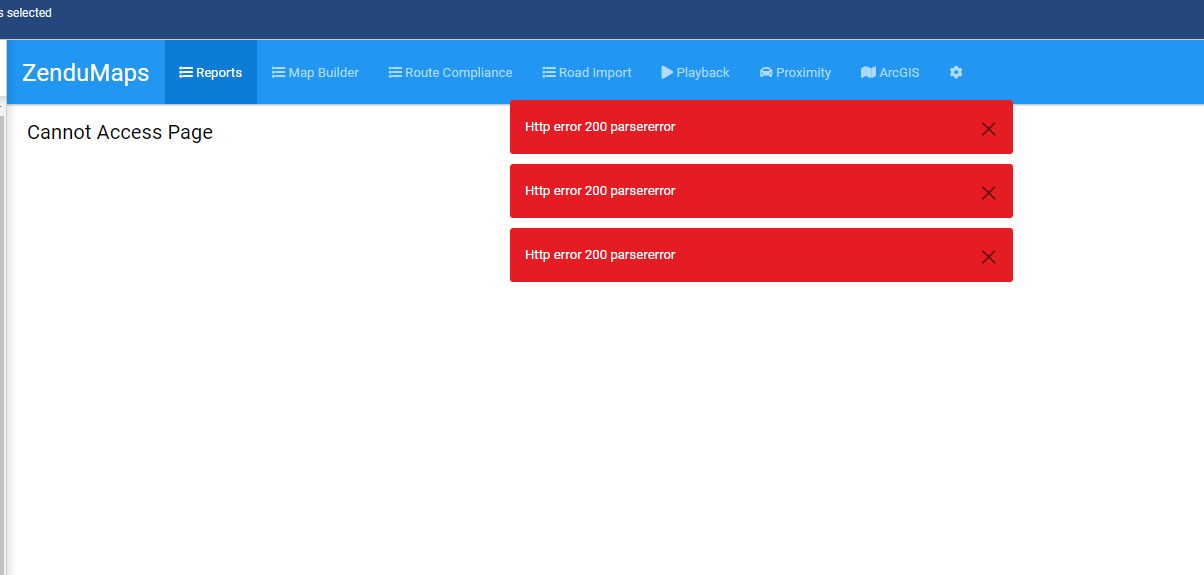
Below images shows types of errors shows u because of incorrect login credentials, modified passwords or locked service account:
Geotab Authentication Failed
Geotab Incorrect login credentials
HTTP Error 200 Parser Error
Steps to resolve this issue:
Login to Mygeotab database that has the issue (Please don't use service account login credentials to login)
Go to Administration > Then Users
Check for the service account > Click on it
If unlock button is available > Click on Unlock to unlock the account
Login to the same database from ZenduOne admin to check if you can access this Mygeotab database
If you are able to login to Mygeotab from ZenduOne try to access the Zenduit add-ins
Once you are successfully able to access the Zenduit add-ins > Change the password for service account
Update the password for the service account for the Mygeotab database on Zenduone
Once password is updated on Zenduone > Try to login again to Mygeotab from Zenduone
The issue is resolved if you are able to login successfully
Was this helpful?
Still need help? Ask the team