Turn Stop Times into Actionable Alerts
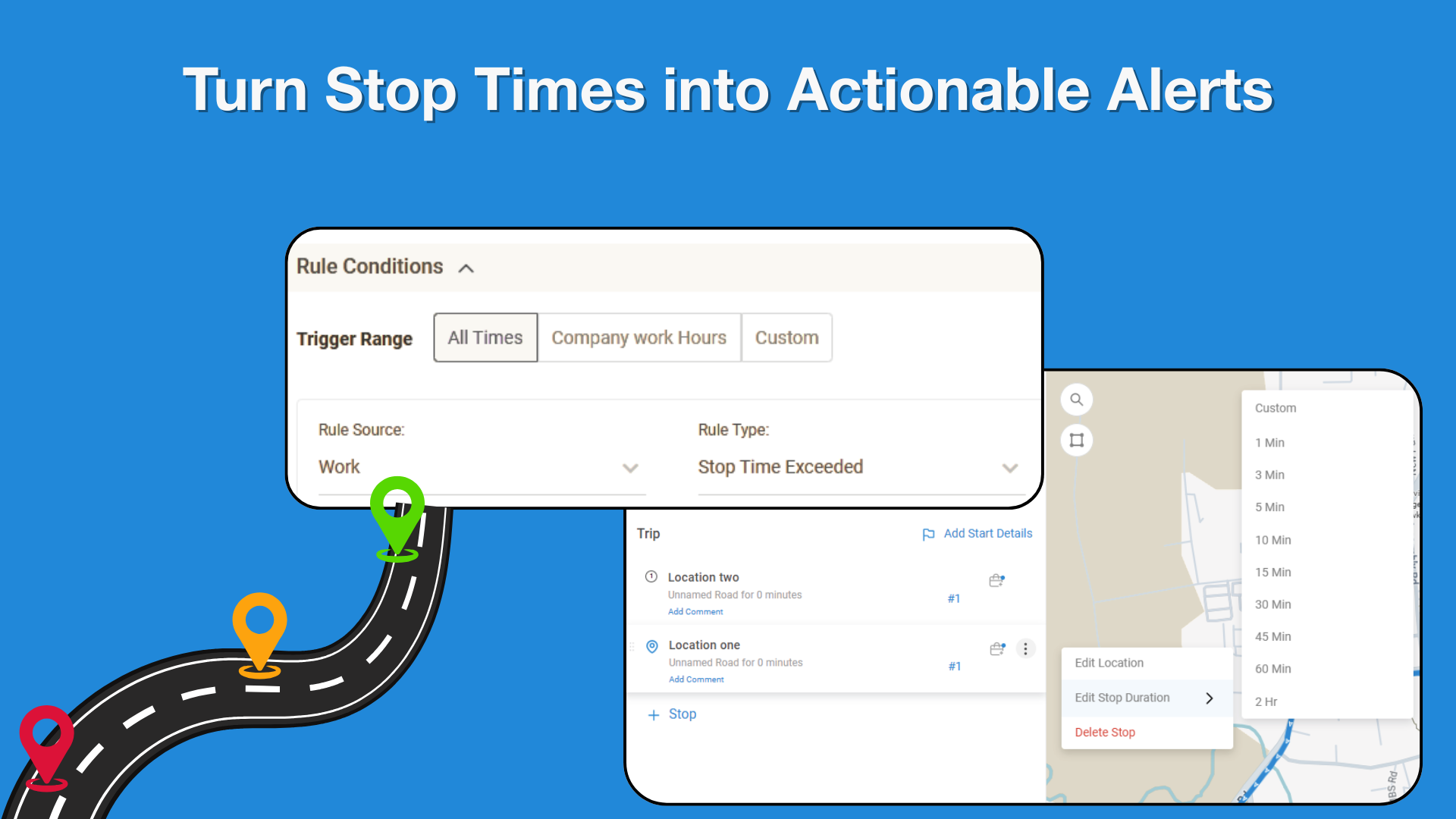
In the Jobs module, users can configure a stop duration for each stop within a job. If a driver exceeds the scheduled stop time, a custom rule can be created to automatically trigger notifications. The system pulls the predefined stop duration from each job assignment and monitors driver activity in real time, alerting users when the stop duration limit is exceeded via their preferred notification method.
Key Points
Stop duration can be defined for each stop in a job assignment
Custom rules can be created within the Jobs module to monitor stop durations
The system automatically uses the scheduled stop time for each stop
Notifications are triggered when a driver exceeds the allowed stop duration
Multiple notification options are supported, such as email or SMS
Why It Matters
This feature helps fleet managers maintain operational efficiency and accountability by proactively identifying delays at job stops. It reduces manual monitoring, enables faster response to unexpected delays, and supports better scheduling, customer communication, and overall job performance visibility.