See Every Connection, Every Time
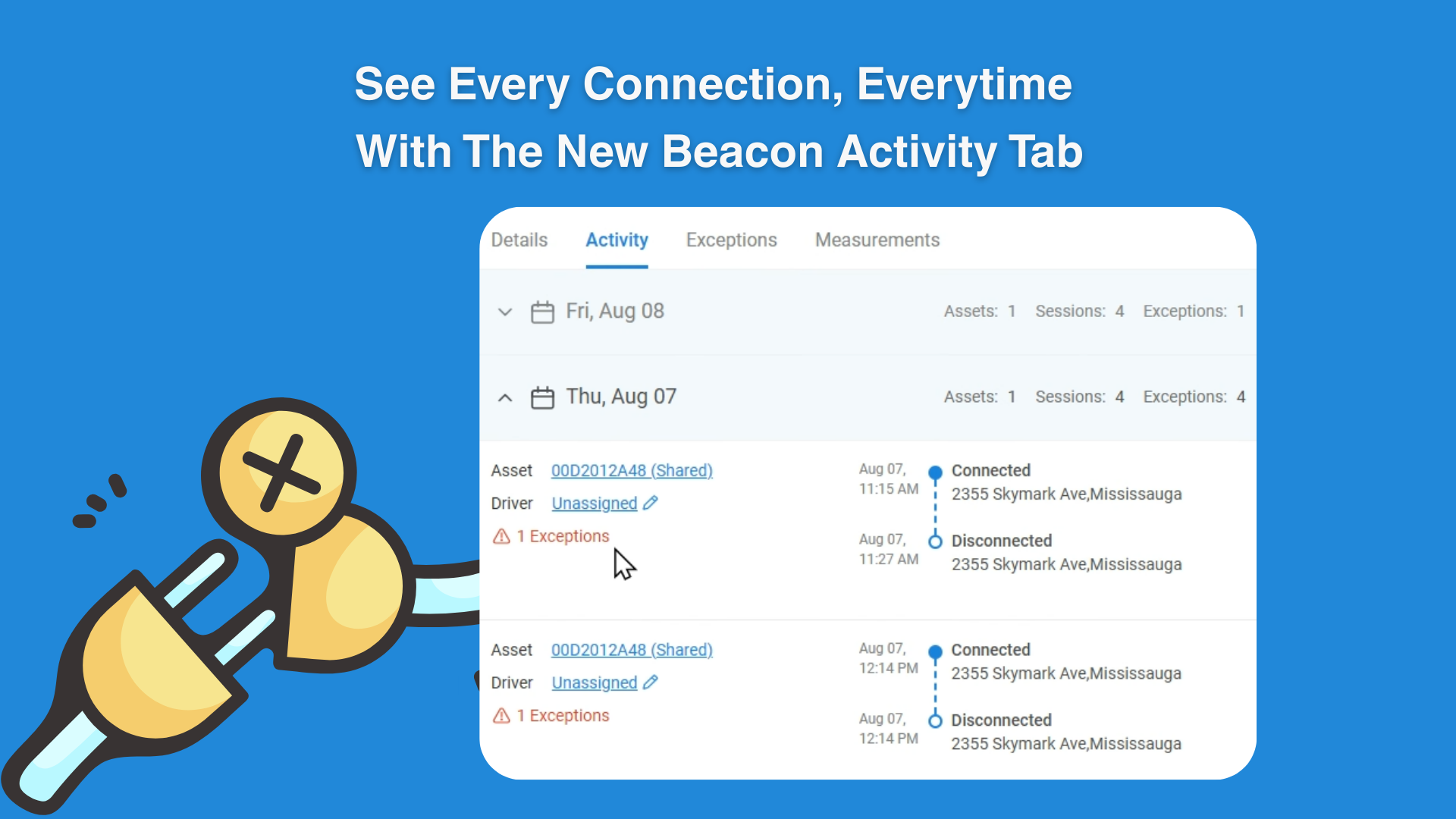
A new Activity Tab has been introduced for beacons, providing detailed visibility into connection and disconnection events
Key Updates
Track when and where a beacon connects or disconnects.
View the gateway the beacon is connected to.
See the number of exceptions triggered each day.
Review detailed connection/disconnection sessions and gaps.
Easily access the tab by clicking on a beacon and selecting Activity.
Why It Matters
Previously, monitoring beacon activity required manual checks and lacked historical detail. With the Activity Tab, fleet managers gain clear insights into beacon usage, connection reliability, driver activity gaps, and exception history — helping improve accountability and operational efficiency.