Tag More, Coach Smarter!
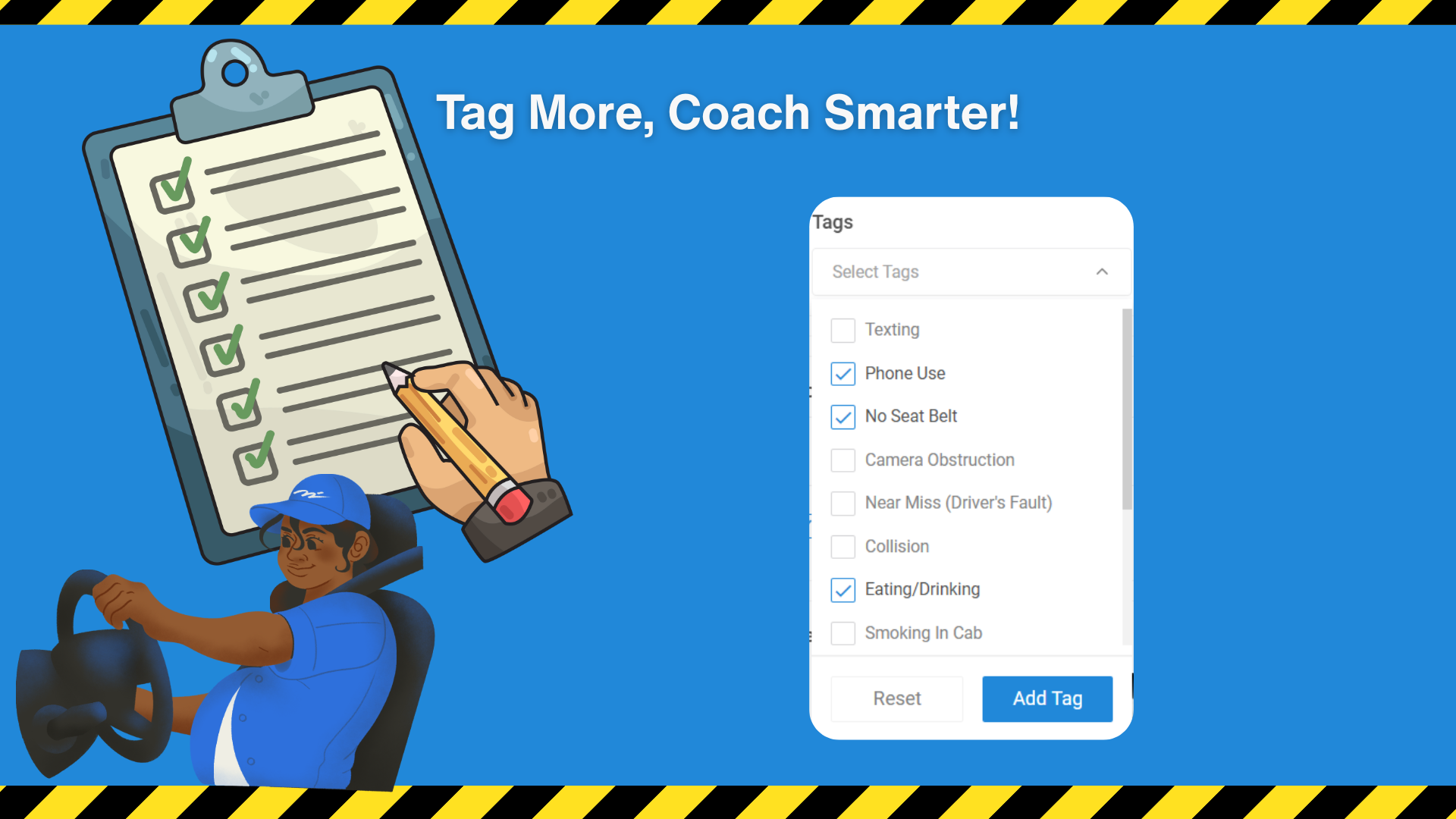
This release introduces the ability to multi-tag exceptions. Users can now apply up to five tags per exception or video, allowing more detailed documentation of driver behavior and environmental factors observed during the event.
Key Points:
Apply multiple tags (up to five) to a single exception or video.
Tags can reflect different indicators observed by reviewers (e.g., driver actions, environmental conditions).
Workflow status (e.g., Needs Coaching) remains unchanged after tagging.
Supports coaching managers in identifying specific areas of concern for driver safety.
Why It Matters:
Multi-tagging provides richer context for exceptions, helping fleet managers and coaching teams better understand patterns in driver behavior and environmental factors. This leads to more targeted coaching, improved safety insights, and more effective incident management.